  1. Blog
  2. Article

Matthew Paul Thomas
23 April 2010

Refining the battery status menu


As I explained on Wednesday, we’re replacing Ubuntu’s notification area with a consistent set of menus. As part of that transition, we need to adapt system components that have previously been using the notification area.

One of the simplest of these belongs to Gnome Power Manager, and displays the charge status for the batteries in devices connected to your computer — the computer itself, any wireless mouse, phone, and so on.

In Ubuntu 10.04, Gnome Power Manager has already been patched to use a custom status menu (“application indicator”). So, probably, not much will change when it shuffles over to the system area. But we’re still interested in feedback on the design and any improvements we can make.

Once you’ve checked out the full battery status menu specification, we’d be glad to have your comments either here or on the Ayatana mailing list.


Related posts

Challenges designers face in open source (and how to fix them)

Open source powers up to 90% of modern software, yet many projects lack usability. Canonical’s Design team surveyed 115 cross-functional professionals to uncover the 4 core...

Template: Streamlining open source design contributions

As designers working at Canonical, we’re always thinking about open source. We believe that encouraging more designers to contribute to open source benefits everyone, from the...

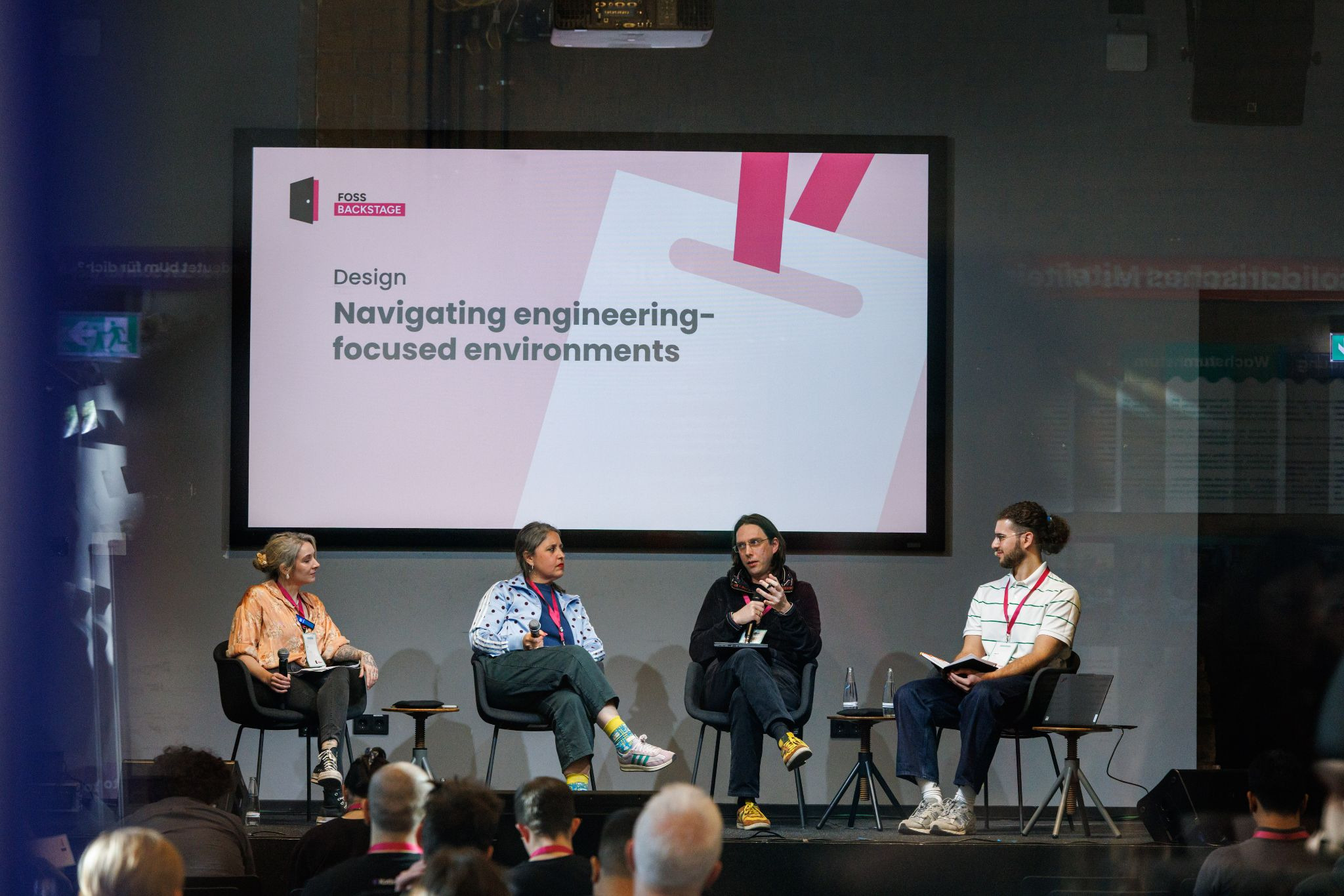
Decoding design: How design and engineering thrive together in open source

Open source thrives on engineering-driven processes. Fast feedback loops, terminal tools, Git workflows: they’re the lifeblood of how we build software in the open. But for...

Why web engineering is great

Hi, I’m Johann! I’m an engineering manager in Canonical’s web team. For the larger part of my 15 years of work experience as engineer, I’ve been working in web development....